NexRide Garage: Find Your Bike, Read Its Status and Recover It
Last updated:
Check where your bike is, collect a new purchase, or use the recovery prompt when it is damaged. The phone’s Garage app handles vehicle management, while the physical garage is where you can board your bike and ride out.
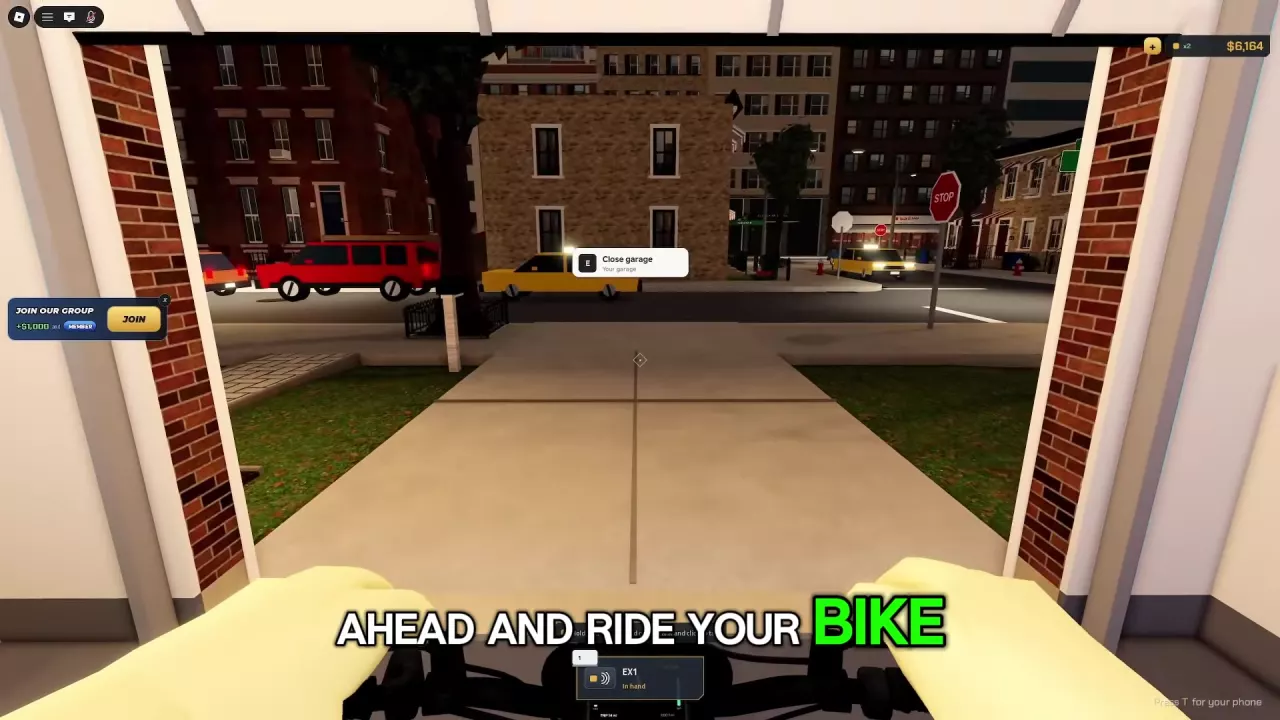
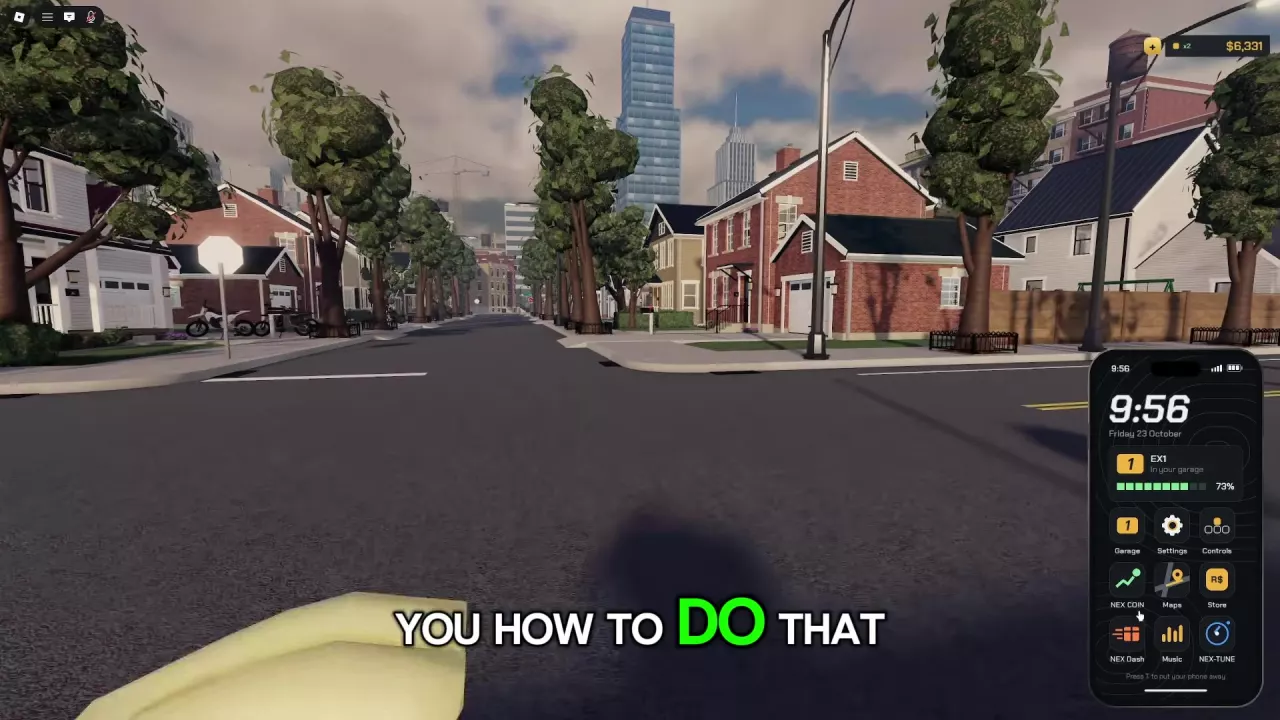
Press T and open Garage to check your bike’s status; “In your garage” means it is stored there. After buying a bike, follow the glowing dots toward “Your bike,” or reset your character to return to the garage and collect it. If a damaged bike displays “Respawn bike,” R selects its free recovery option. At the garage door, press E when “Open garage” or “Close garage” appears.
Check the Garage App and Vehicle Status
- Press T to open your phone.
- Open Garage.
- Check your bike’s vehicle card. In your garage means the bike is already stored in the physical garage.
Use the phone’s Garage app to spawn an owned bike from the garage or bring your bike back home. The physical garage is the place where you find and board the vehicle.
The EX1 vehicle card also displays its current battery percentage. For help reading charge versus listed range and locating charging facilities, see the battery and charging guide.
Find a Newly Purchased Bike
Follow the purchase marker
When WALK TO YOUR BIKE appears after a purchase, press W to walk along the glowing ground dots toward the Your bike marker. This gives you a route to the purchased vehicle while you are still at the shop.
Return to the garage
You can also collect a purchased bike by resetting your character:
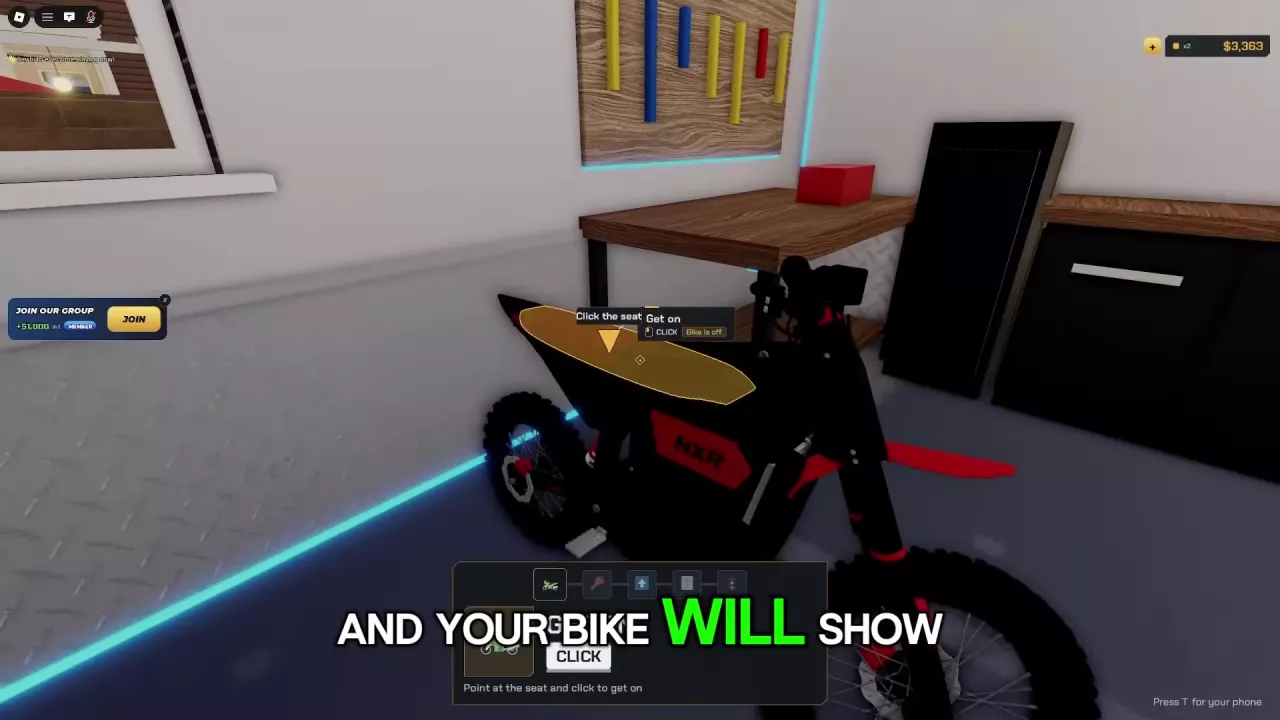
- Use the character Respawn option, labeled Respawn (R) in the People menu, to return to the garage.
- Find your purchased bike inside.
- Point at its seat and click to get on.
The People menu’s Respawn resets your character. The damaged-bike Respawn bike prompt is a separate vehicle recovery action, even though both use R in their respective contexts.
For the shop location and purchase steps, follow the bike buying guide.
Use the Damaged-Bike Respawn Prompt
If your bike is damaged and Respawn bike appears, press R to select the free option to restore it to working condition.
For an ordinary fall, press Space when Press Space to get back up appears. Once the bike is upright and offers Get on, click that prompt to mount again.
Open and Close the Garage Door
- Approach the garage door until Open garage appears.
- Press E to open it.
- Ride through the doorway once your bike’s dashboard shows READY.
With the door open, the interaction changes to Close garage. Press E at that prompt to close it.
Before riding out, power on your bike and raise its kickstand. If you need help reaching READY, use the EX1 and ignition-key startup instructions.