🌲DIRTBIKES AND TRAILS🌲
An event featuring dirtbikes and trails.
YOUR CITY. YOUR RIDE.
Last updated:
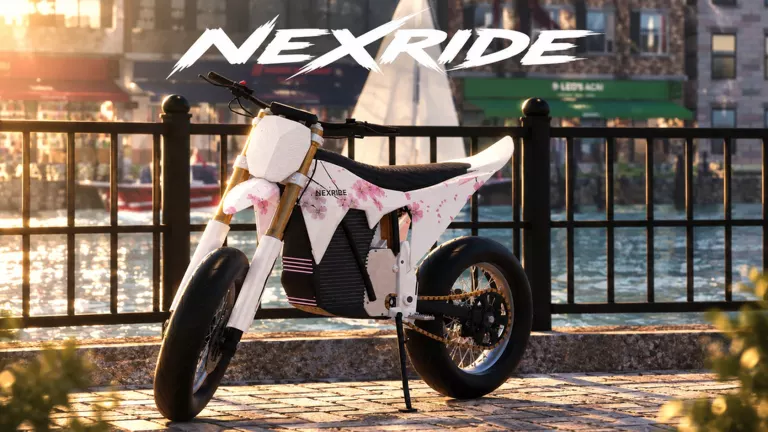
NexRide lets you ride electric bikes through a city, explore with friends, earn cash, customize your ride and take on police chases.
Browse
To buy and collect a bike, approach the Spoke & Volt counter inside Bike Hub and press E at Buy a bike. Select a model, check its price and purchase it, then follow WALK TO YOUR BIKE toward the Your bike marker.
Compare NexRide bike prices and shop specs for five models. Decide between EX1 and ZOOTIO, understand acceleration figures, and find NEX-TUNE.
Learn how to buy a bike in NexRide: navigate to Bike Hub, use the Spoke & Volt purchase menu, and collect your bike by following its marker or returning to your garage.
Learn NexRide PC controls: use the phone, start EX1 with its NFC key, handle ignition and kickstand prompts, switch to SPORT, and remount after a crash.
Use the NexRide Garage app to check bike status, find a new purchase, access free damaged-bike recovery, and open or close your garage door.
Learn NexRide riding stunts: hold W to wheelie, lower the front wheel to collect cash, and read CLOSE CALL streaks and Near miss banked rewards.
Learn how to make money in NexRide with the $1,000 group offer, wheelies and near misses. Compare police-chase risks and paid cash benefits.
Learn NexRide police triggers, pursuit warnings, foot-chase controls, the five-minute $400–600 reward objective, and what arrests can cost.
Find Bike Hub in NexRide with phone Maps and yellow route guidance. Locate Spoke & Volt, bike customization, the charging station and showroom displays.
Check your NexRide bike battery in Garage, compare EX1 and ZOOTIO listed range, and follow Maps to the charging station inside Bike Hub.
Compare NexRide paid perks: 499 Robux VIP, 299 Robux permanent 2x riding cash, and the limited 199 Robux Starter Pack. Choose by your goal.
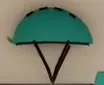
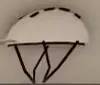
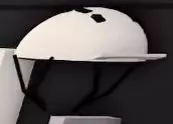
Find NexRide helmet colors and display locations: six colors on the Bike Hub wall, plus the white helmet with a black lower guard in the garage.
Running red lights, speeding, reckless riding and doing wheelies in front of police can attract attention. Obey STOP signs and traffic lights to avoid violations.
A bike pursuit can continue on foot. Hold Shift to sprint, press Q when an officer lunges to dodge, and use Space to get up when prompted.
Press T → Maps → Bike Hub and start navigation. Follow the yellow minimap route, turn instructions and distance prompts. As you approach, check the prompt showing which side of the road the destination is on. Spoke & Volt is the bike-buying counter inside.
Open People to see players in your current server. Use Invite Friends to invite friends for a city ride or Mute All to mute players. The controls guide covers phone and menu controls.
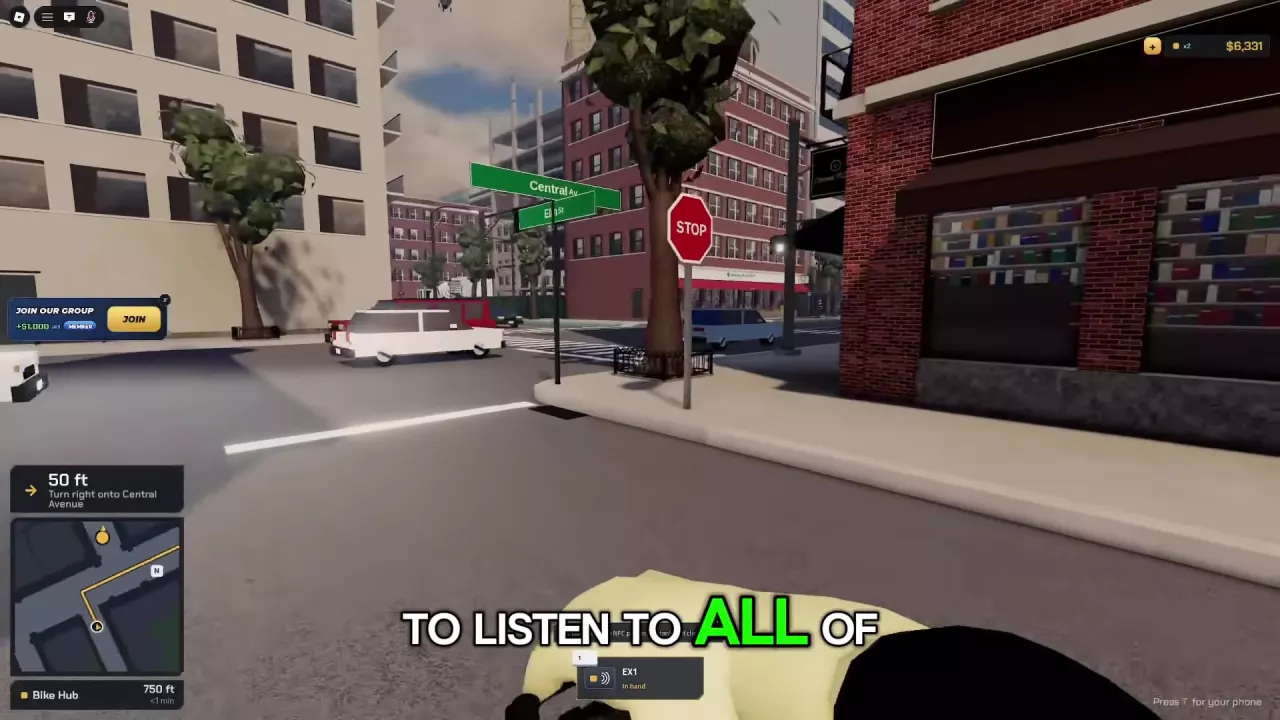
For an owned bike, press T → Garage and check its vehicle card for current battery charge. Bike Hub offers charging; use Maps navigation to reach the shop and find the station inside.
On a bike with the Standard → sport prompt, click the + button beside the display to switch to SPORT. Check this setting if that bike feels slow.
ZOOTIO lists ECO, STREET, SPORT and PERFORMANCE modes. Its model details cover those features; the Standard → sport button layout belongs to the bike displaying that prompt.
Press T and find NEX-TUNE on the phone’s home screen. ZOOTIO includes a NEX-TUNE interface for phone tuning.
Bike Hub offers bike customization. The VIP pass includes VIP-only paint and underglow.
Bike Hub’s wall also has orange, dark, yellow and red helmet displays.
Press T → Store to browse paid options. The limited-time Starter Pack appears on CASH while the offer is available.
VIP also includes a daily bonus and a VIP tag.
| Name | Price | Cash multiplier | Boost duration | Extra cash | Cash included | Cash multiplier | Boost duration | Purchase limit |
|---|---|---|---|---|---|---|---|---|
| 2x Cash | 299 Robux
| 2 ×
(Money earned from riding)
| Permanent
| |||||
| VIP | 499 Robux
| 25%
(VIP benefit)
| ||||||
| Starter Pack — limited-time offer | 199 Robux
| 15K cash
| 2 ×
(Temporary X2 CASH boost)
| 1 hr
(Temporary X2 CASH boost)
| 1 purchase per rider
|
| Code | Reward & details | Status | Copy |
|---|---|---|---|
THANKS |
2x money for 15 minutes Only works for one day |
Reported active | |
RELEASE |
2K (reward type unspecified) |
Reported active | |
10KVISITS |
60 minutes of 2x cash |
Reported active | |
POLICE |
$1,500 cash |
Reported active |
An event featuring dirtbikes and trails.
NexRide is now available to players of all ages.
Adds basketball, AI police, a new highway, and the Glacier Zuttio e-bike with NexTune customization, alongside mobile improvements and bug fixes.
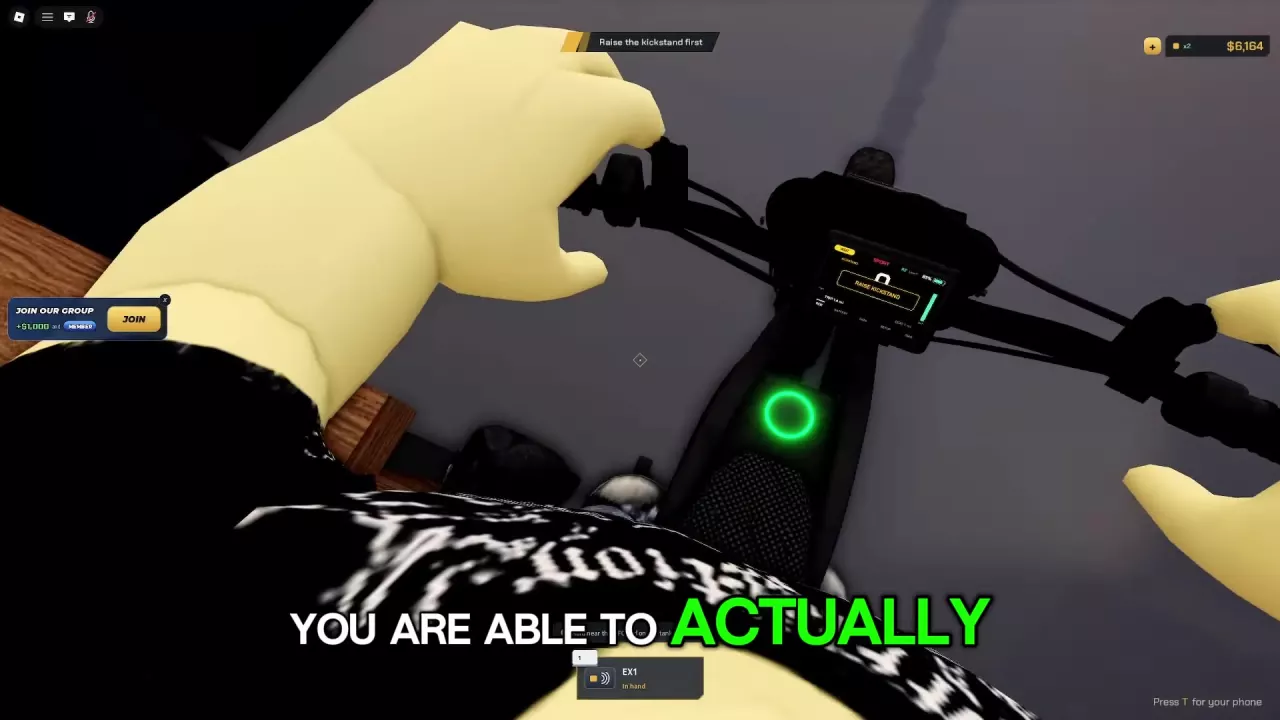
Raise the kickstand. The EX1 needs power and a raised stand before READY appears. Click Raise kickstand; the startup guide explains the vehicle-specific startup sequences.
Character Respawn resets your character and can return you to the garage after a purchase. Respawn bike is a damaged-bike prompt: press R when it appears for free restoration to working condition. See garage and recovery options.
No. Its X2 CASH lasts one hour. The separate 2x Cash game pass permanently doubles money earned from riding. Compare their benefits in the paid perks guide.